Our guide below applies to Debian 13 / Trixie with the Cinnamon desktop environment. If you need updated documentation for a newer release contact support.
1. If you don't yet have a subscription to PenguinVPN 2.0 service you'll need to get a subscription.
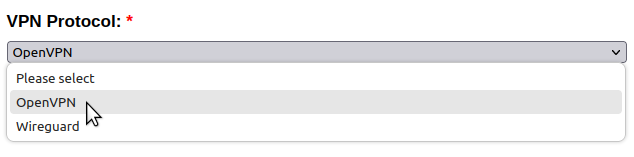
2. When placing an order select the OpenVPN protocol from the drop down list under where it says VPN Protocol.
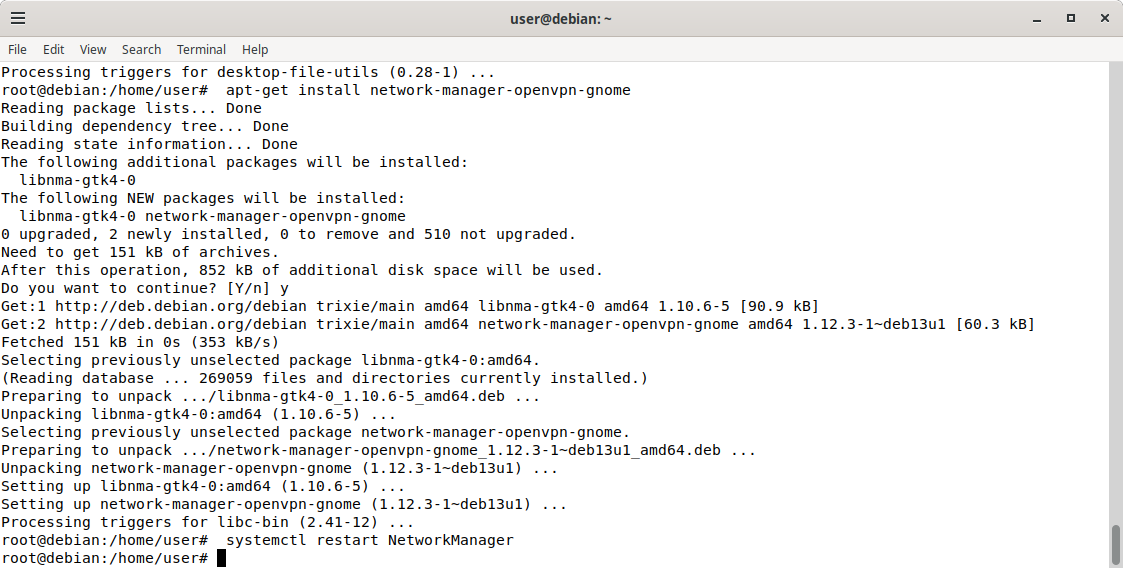
3. Go to Activities in the top left corner and search for and then open the terminal and run the following command (you will need to enter your login password to install the components needed for openvpn, run one line at a time):
su -
apt-get install network-manager-openvpn
apt-get install network-manager-openvpn-gnome
systemctl restart NetworkManager
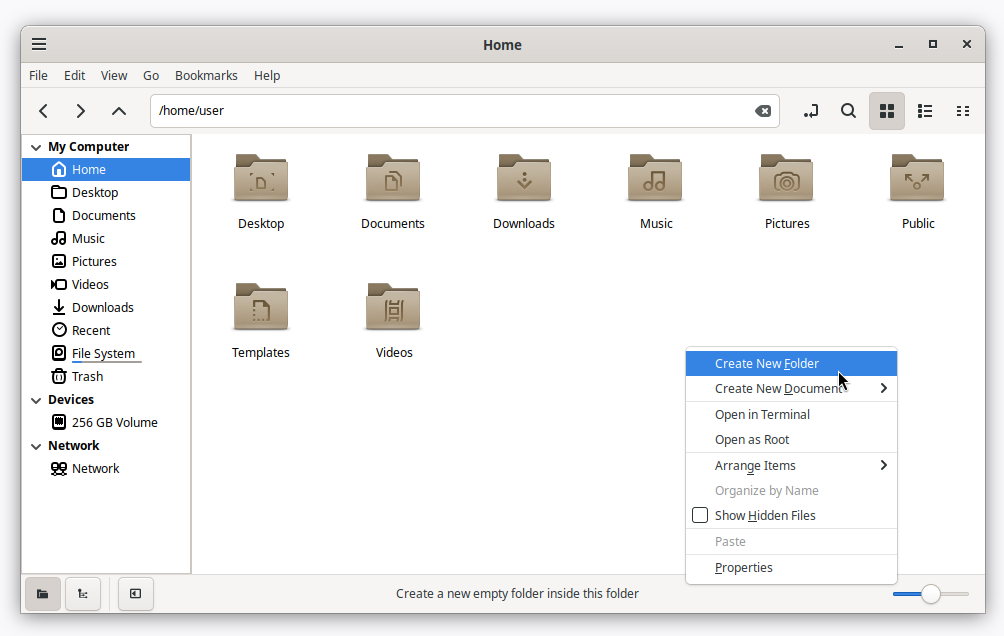
4. Open the file manager (Files) by clicking on the menu icon in the lower left corner. Then right click on the white area to create a folder called PenguinVPN in your home folder.
5. Download the PenguinVPN 2.0 configuration, open it in the Archive Manager, and extract the etc folder to newly created PenguinVPN folder.
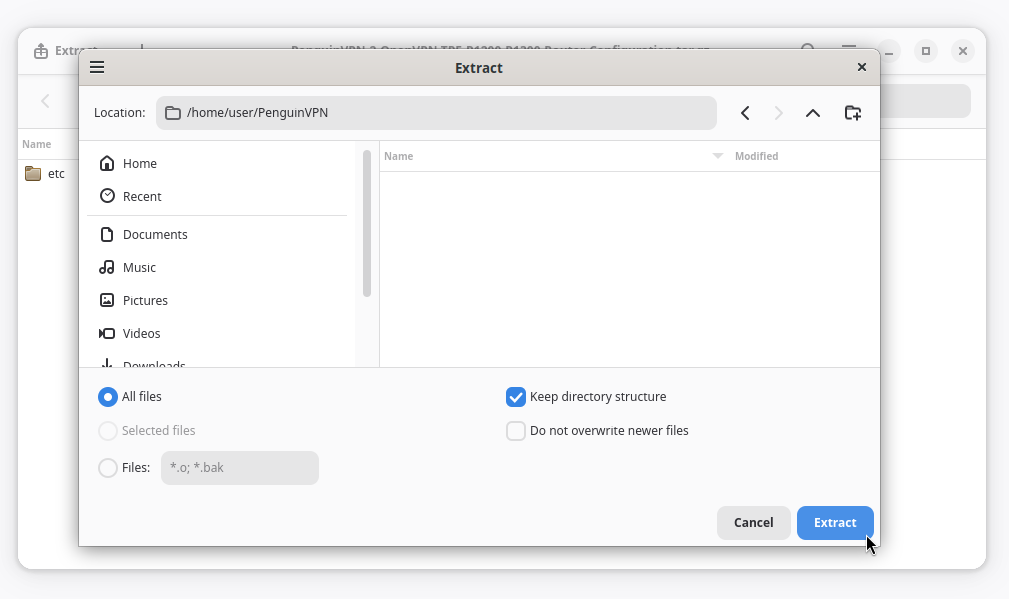
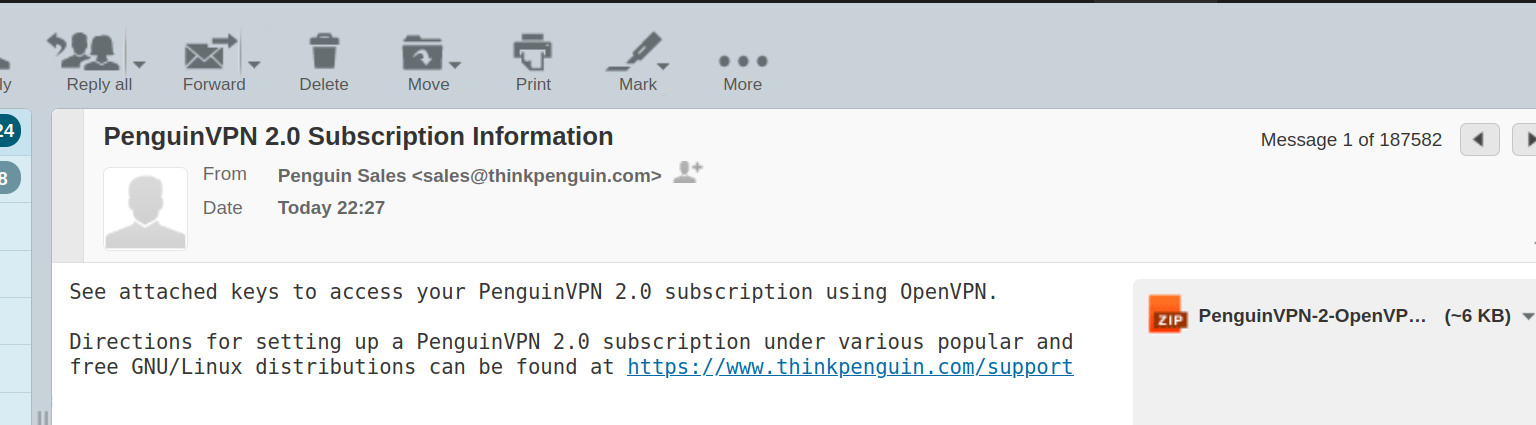
6. Once a subscription has been purchased you'll receive an email containing a compressed file that contains the keys to connect to our PenguinVPN 2.0 servers. You'll need to download and extract the file named PenguinVPN-2-OpenVPN-Keys.tar.gz to your new PenguinVPN/etc/openvpn folder.
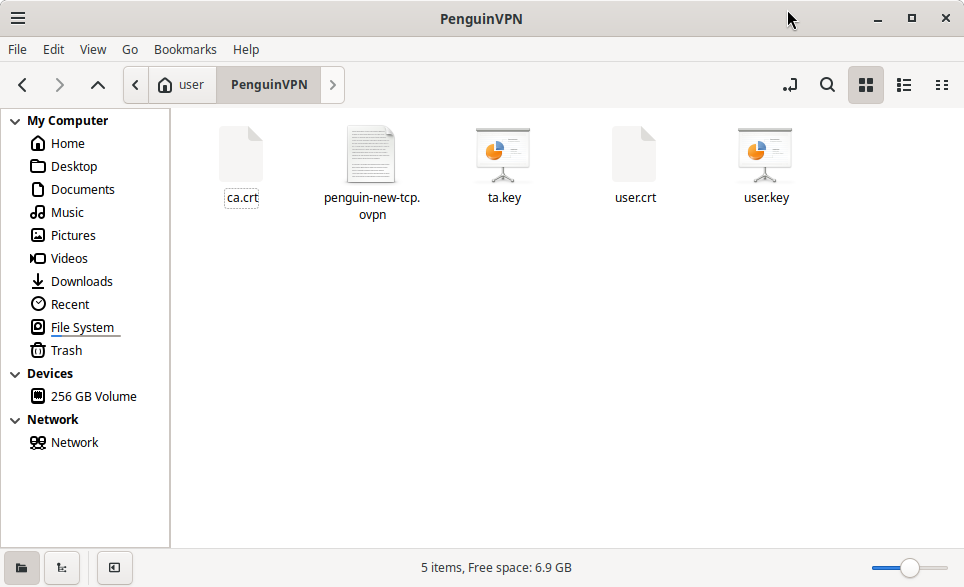
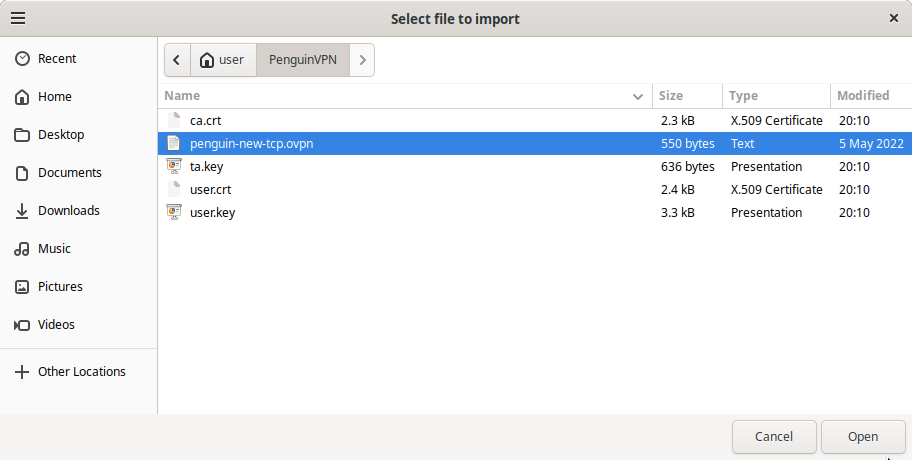
The PenguinVPN/etc/openvpn folder should now contain penguin-new-tcp.ovpn, ca.crt, ta.key, user.crt, and user.key files like shown below:
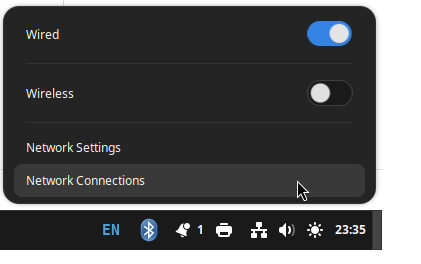
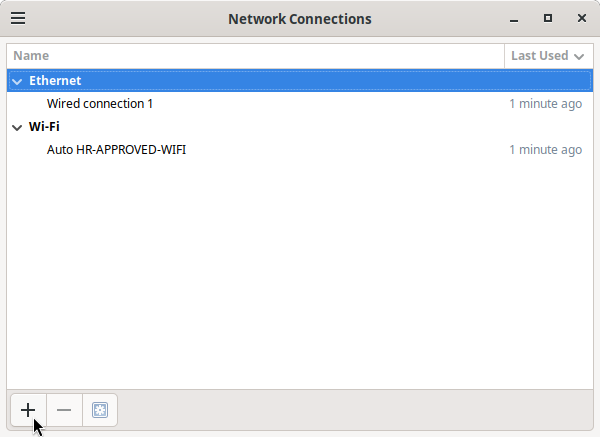
7. Left click on the system tray network icon and open network connections.
8. Click the + icon add a network connection.
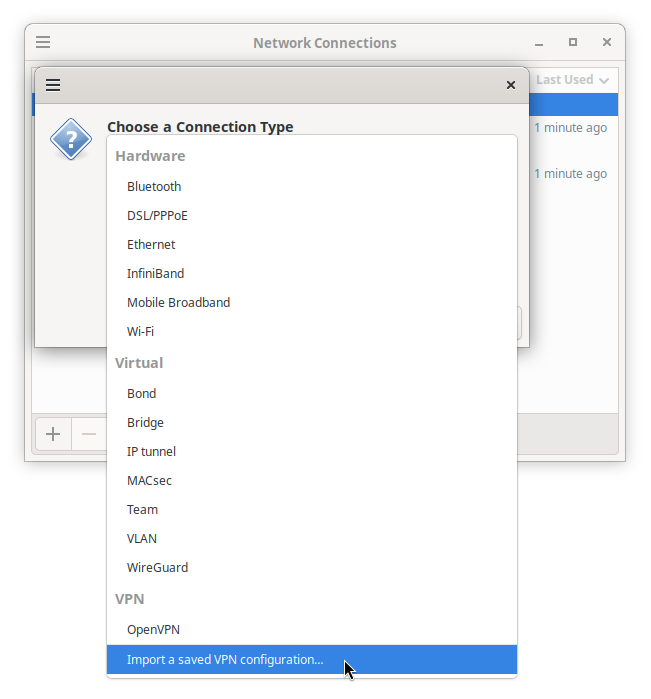
9. Select Import a saved VPN configuration... and find the penguin-new-tcp.ovpn file in the PenguinVPN > etc > openvpn folder.
10. Select the penguin-new-tcp.ovpn file and click Open.
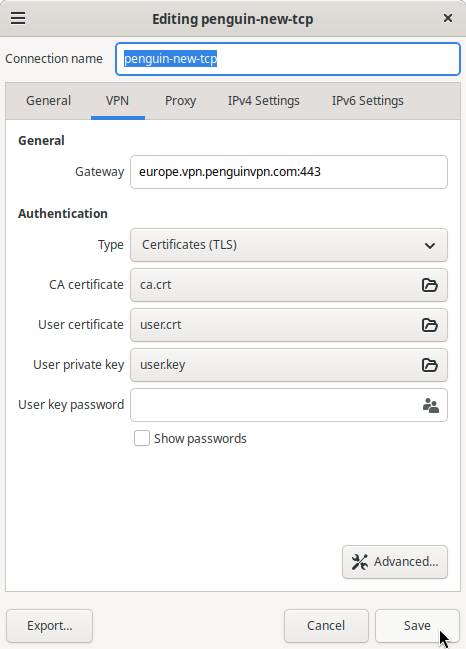
11. Click Save.
12. In the lower right corner click the network icon and on button for VPN Connections to connect.
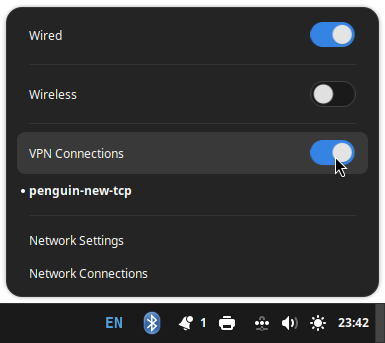
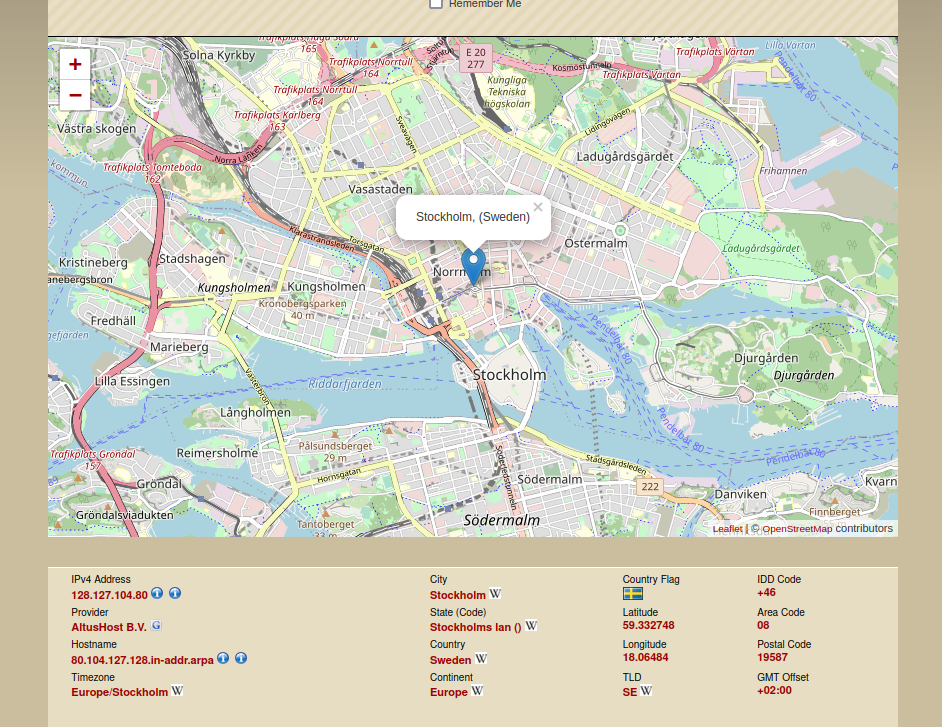
If everything worked then you should see some city/state/country other than your own when you check out what your IP address is. To do that open a web browser and visit http://infosniper.net/ or another similar site to validate your VPN connection is working.