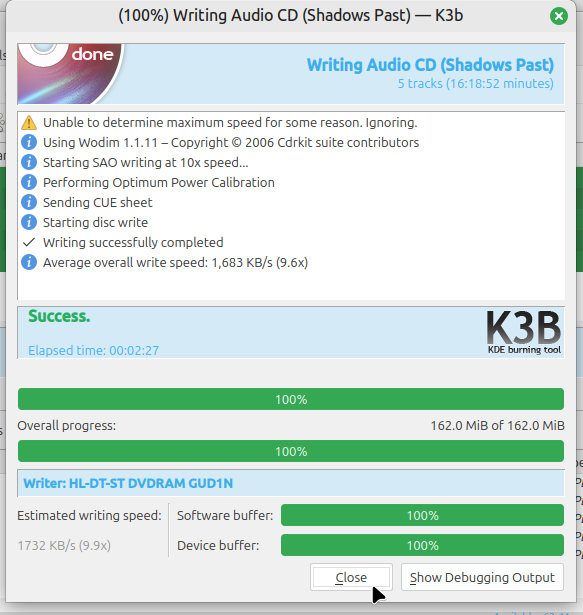
If you've ever wanted to create an audio CD it's not too late! Here is how you do it in 2026 on Linux Mint 22. The process hasn't really changed in 20 years so consider this likely to be correct whether your using Linux Mint 20 or Linux Mint 30 or for that matter some other distribution of GNU/Linux entirely.
Step 0 part A: Follow our instructions on installing K3b
Step 0 part B: If you haven't got the audio decoder component installed open the system menu, click on the terminal icon, and run this command first:
sudo apt install libk3b-extracodecs
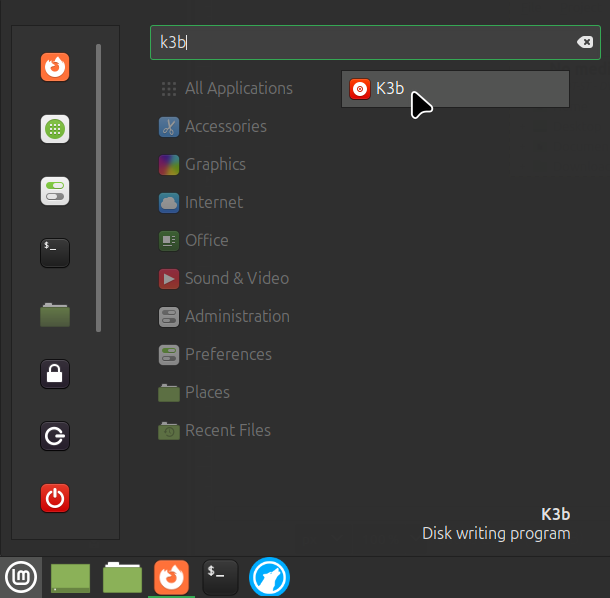
Step 1: Go to the system menu in the lower left or upper left corner and search for K3b or otherwise find it in the Sound & Video section:
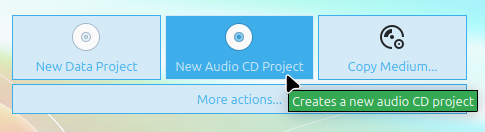
Step 2: Click New Audio CD Project button:
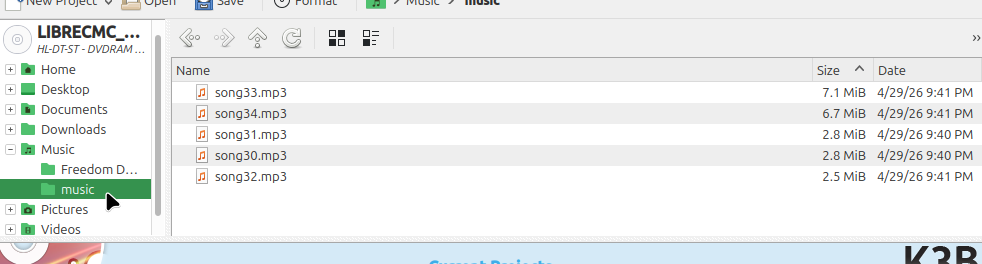
Step 3: Find the folder containing your mp3s:
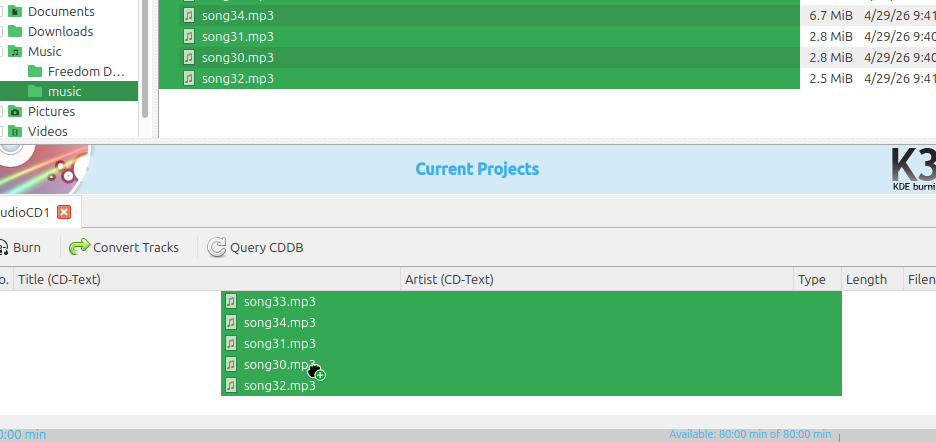
Step 4: Highlight the songs and then drag and drop them to the project area below:
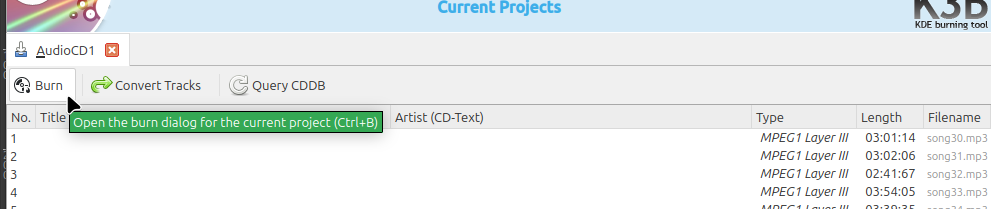
Step 5: Click the burn button:
Step 6: Press the eject button on the optical drive and insert a CD-R:

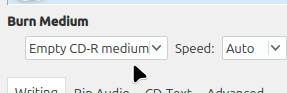
Step 7: Make sure it says Empty CD-R medium else the burn button will be grayed out and you won't be able to make an audio CD:
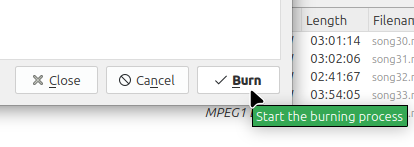
Step 8: Click the burn button on the new screen:
Your done! You should now see a screen saying the audio CD has been successfully burnt: