
Trezor Safe 5 Cryptocurrency Hardware Wallet GNU/Linux Edition (TPE-TRZSAFE5)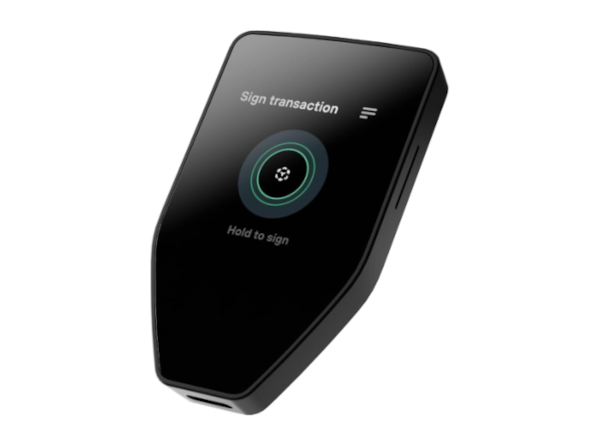
Note: Includes a USB-C cable. If you need a USB-C to USB-A adapter select the optional adapter accessory option below. Partial List Of Supported Releases: Debian 13 Linux Mint 22, 22.1, 22.2, 22.3 Linux Mint Debian Edition (LMDE) 7 Fedora 44 While the core hardware is supported on most distributions there is a greater degree of technical knowledge generally required to use a hardware wallet. We have lessened the difficulty by thoroughly documenting the use of the product with particular cryptocurrency software wallets. When paired with a cryptocurrency software wallet that supports a hardware wallet this solution works to protect your cryptocurrency. There are few distributions which ship with a cryptocurrency software wallet, although some do include cryptocurrency software wallets within their software centers, but in other cases manual installation of a Flatpak or enabling a repository is required (for example Feather Wallet on Debian 13 requires backports to be enabled). As such we have documented adding permissions, enabling repositories, and instructed on the safer means of installation of packages where required. While we have a short list of distributions listed above that are explicitly documented and supported with particular free software wallet apps that support the Trezor Safe 5 there is support to one degree or another on most distributions. Feel free to inquire about compatibility, support, and documentation on particular combinations of cryptos, wallets, distributions, and releases. It's also worth pointing out that other cryptocurrencies may also be supported by other cryptocurrency software wallets with Trezor hardware wallet support on some distributions and releases that have not yet been documented by us. We're regularly adding to our documentation as requests come in and highly recommend inquiring with support for more information. |